Importance of
OHS in CSS
⛑️
Prevents accidents and injuries
🛡️
Protects computer components
✅
Ensures a safe working environment

🏢
Category I
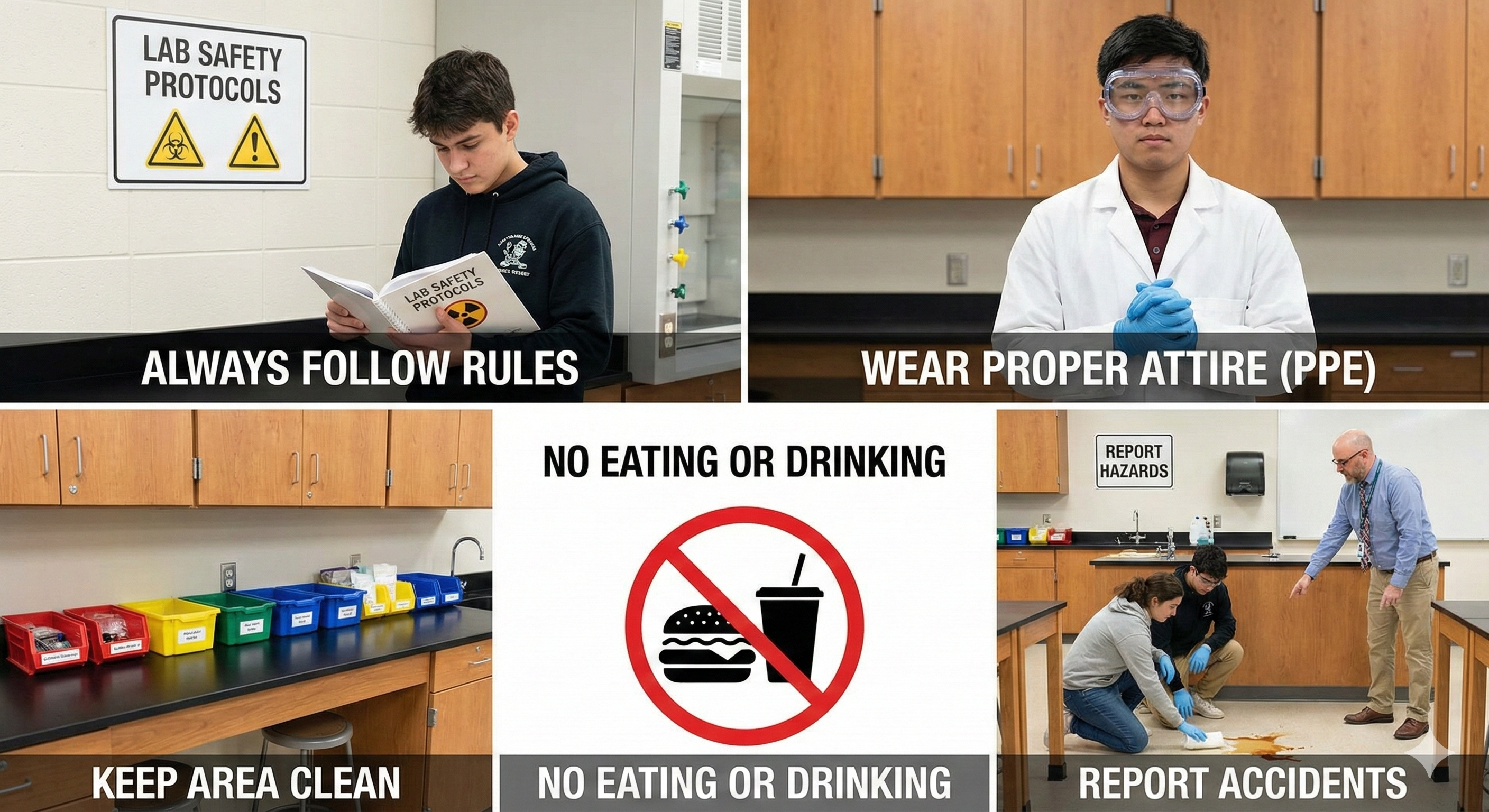
General Lab Safety
- ➤ Always follow rules and instructions.
- ➤ Wear proper attire (PPE).
- ➤ Keep area clean, dry, and organized.
- ➤ NO eating or drinking inside.
- ➤ Report accidents/hazards immediately.
⚡
Category II
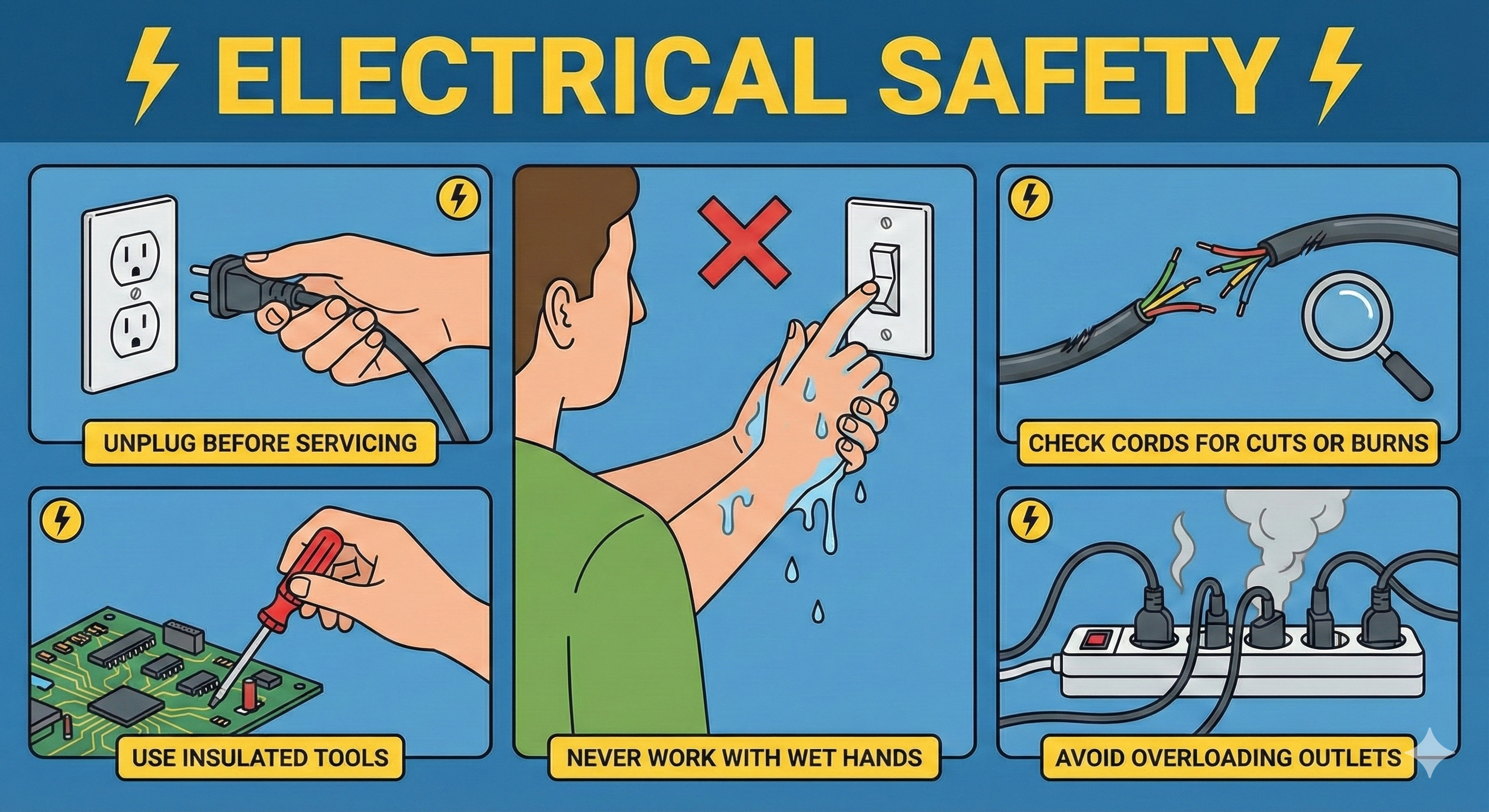
Electrical Safety
- ⚡ Unplug before servicing.
- ⚡ Never work with wet hands.
- ⚡ Check cords for cuts or burns.
- ⚡ Use insulated tools.
- ⚡ Avoid overloading outlets.
🔋
Category III
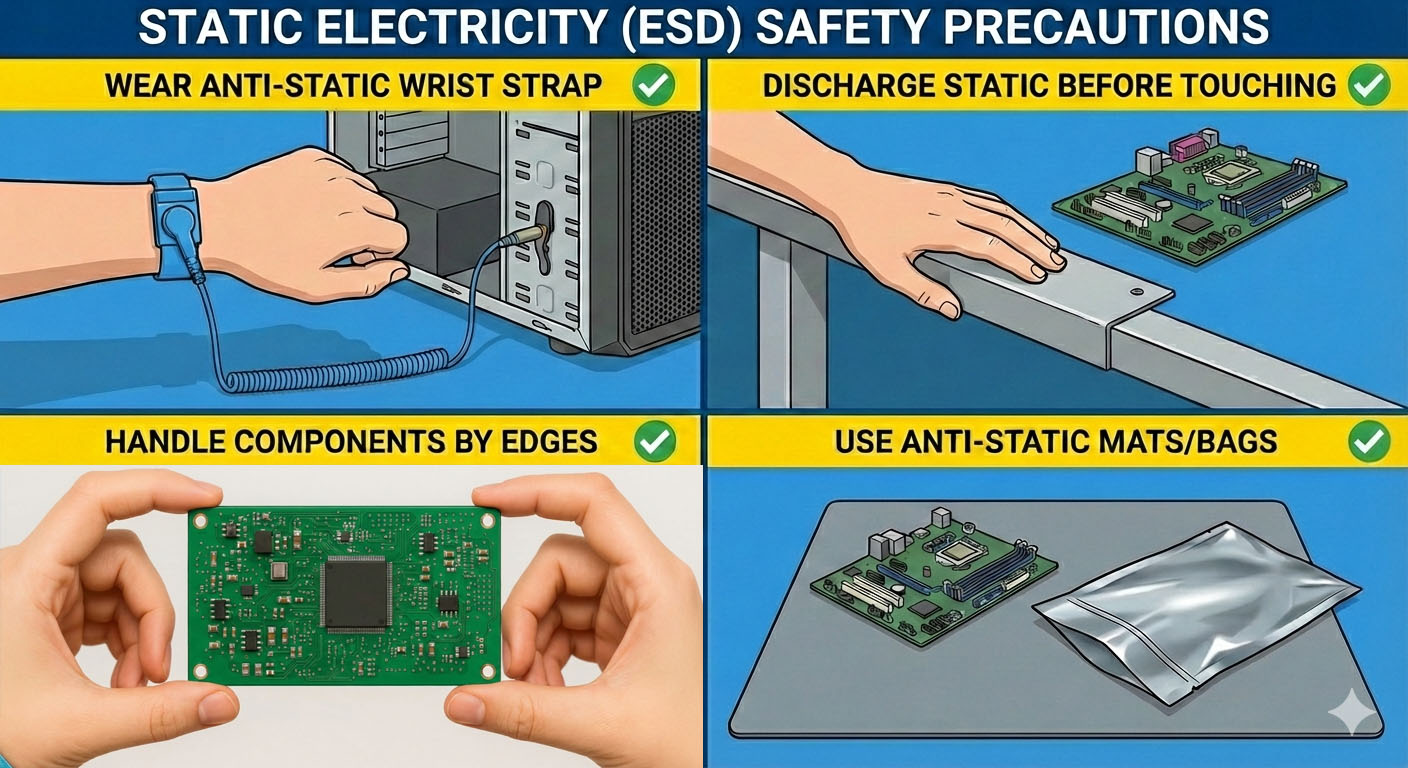
Static Electricity
- ✔ Wear anti-static wrist strap.
- ✔ Discharge static before touching.
- ✔ Handle components by edges.
- ✔ Use anti-static mats/bags.
🛠️
Category IV
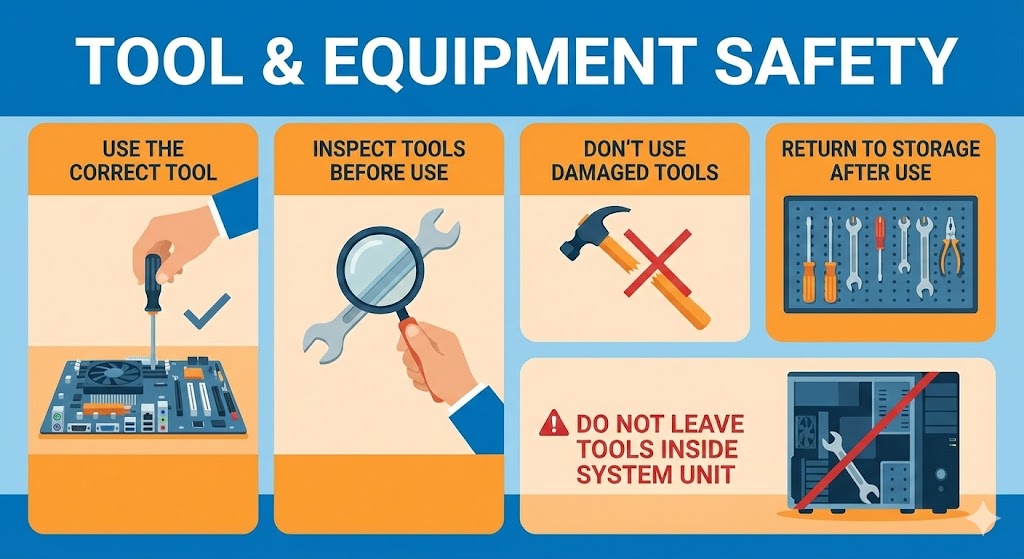
Tool Safety
- ● Use the correct tool.
- ● Inspect tools before use.
- ● Don't use damaged tools.
- ● Return to storage after use.
- ⚠ Do not leave tools inside system unit.
🧘
Category V
Ergonomics
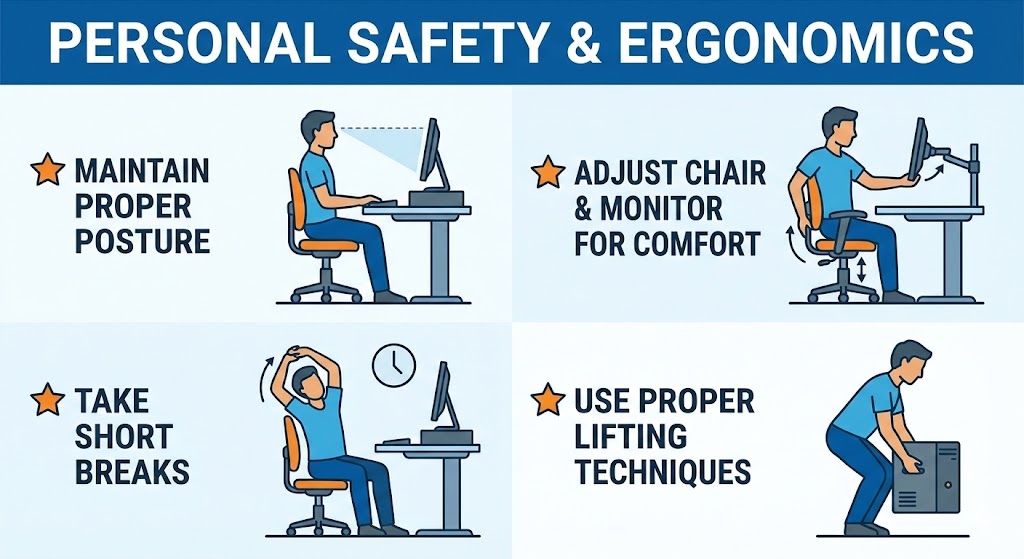
- ★ Maintain proper posture.
- ★ Adjust chair & monitor for comfort.
- ★ Take short breaks.
- ★ Use proper lifting techniques.
[Image of correct ergonomic sitting posture at computer]
🔥
Category VI
Fire Safety
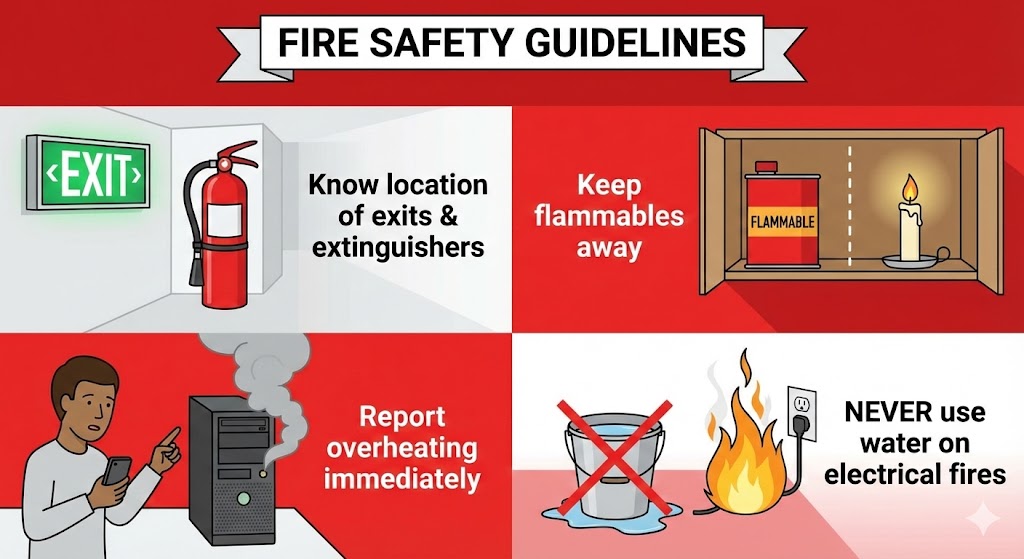
- ⚠ Know location of exits & extinguishers.
- ⚠ Keep flammables away.
- ⚠ Report overheating immediately.
- ⛔ NEVER use water on electrical fires.
[Image of different types of fire extinguishers]
🧹
VII. Housekeeping
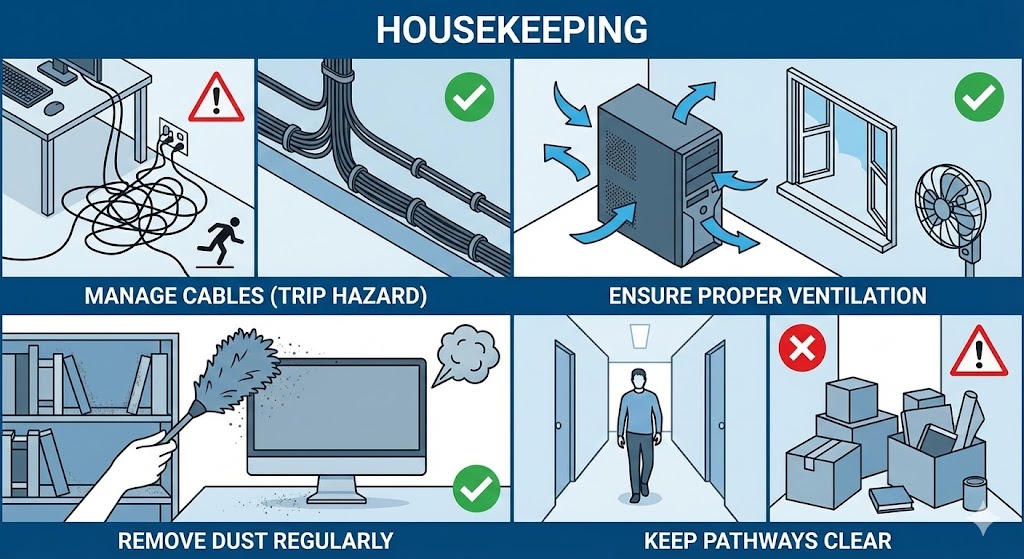
- ➤ Manage cables (Trip Hazard).
- ➤ Ensure proper ventilation.
- ➤ Remove dust regularly.
- ➤ Keep pathways clear.
🧪
VIII. Chemical Safety
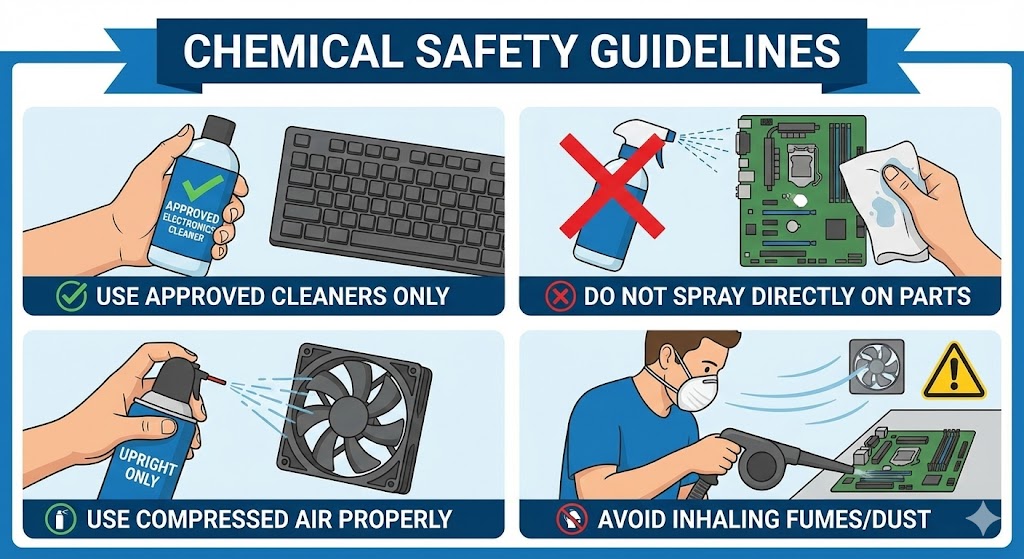
- ➤ Use approved cleaners only.
- ➤ Do not spray directly on parts.
- ➤ Use compressed air properly.
- ➤ Avoid inhaling fumes/dust.